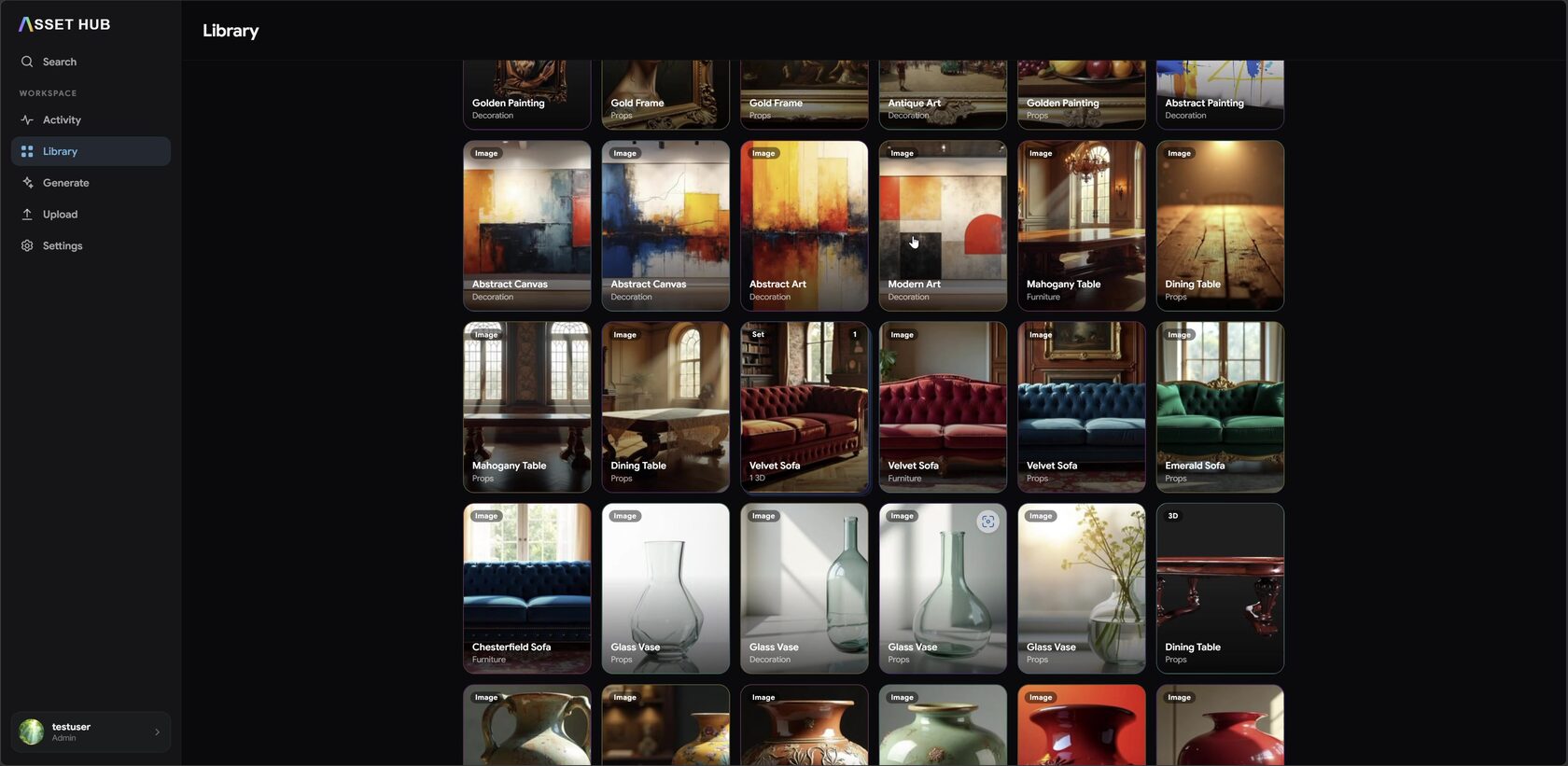
01Library≈ 5s
Your whole asset workspace at a glance
Every generated image, 3D model, prop and texture in one categorized grid — filter, sort, and open any asset.
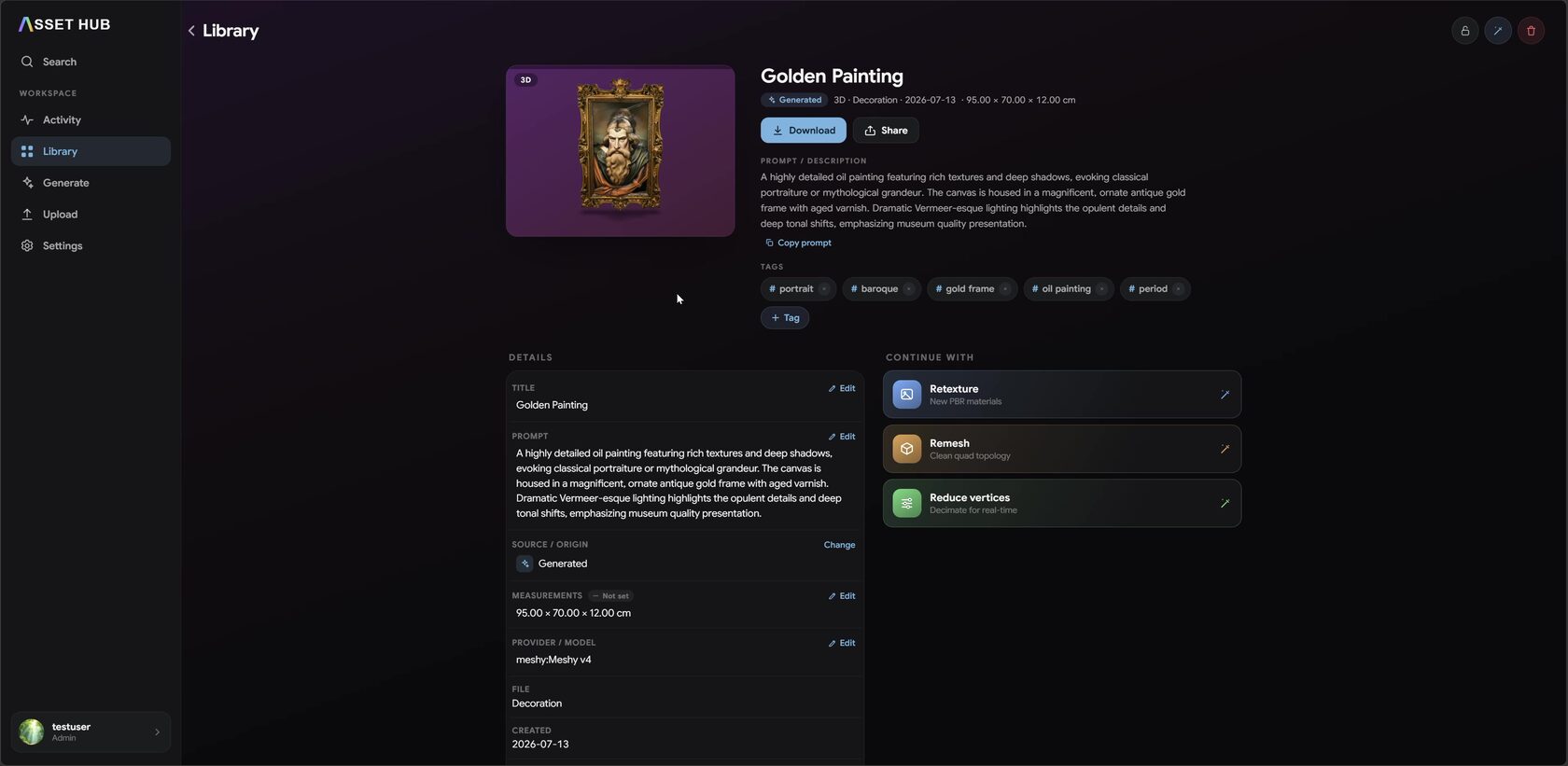
02Detail≈ 5s
Every asset, fully documented
Prompt, tags, measurements and model metadata — then continue straight into Retexture, Remesh or Image → 3D.
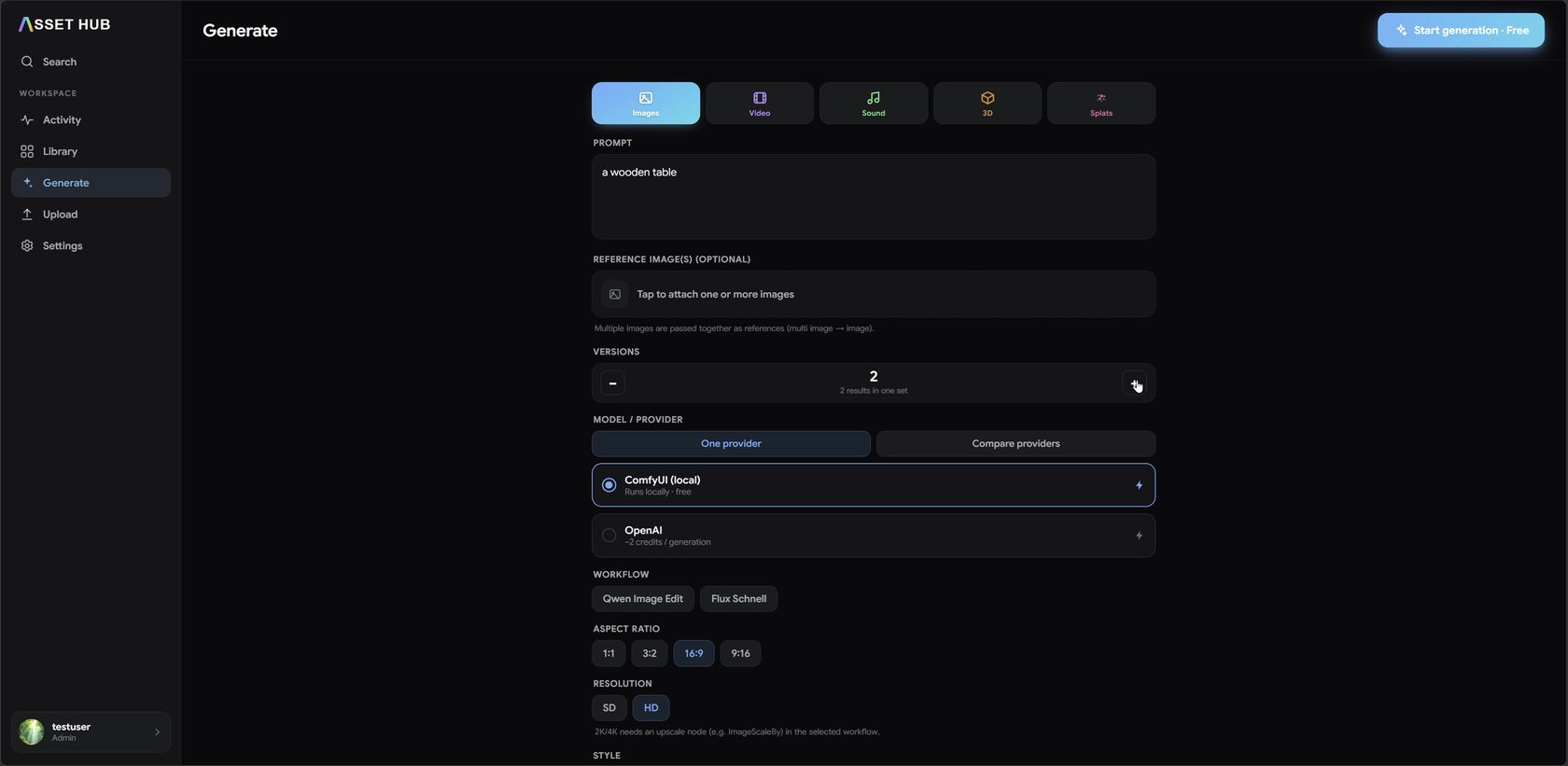
03Generate≈ 7s
One prompt, any medium
Image, video, sound, 3D or Gaussian splats — run it locally through ComfyUI or hand it to a cloud provider, then hit Start.
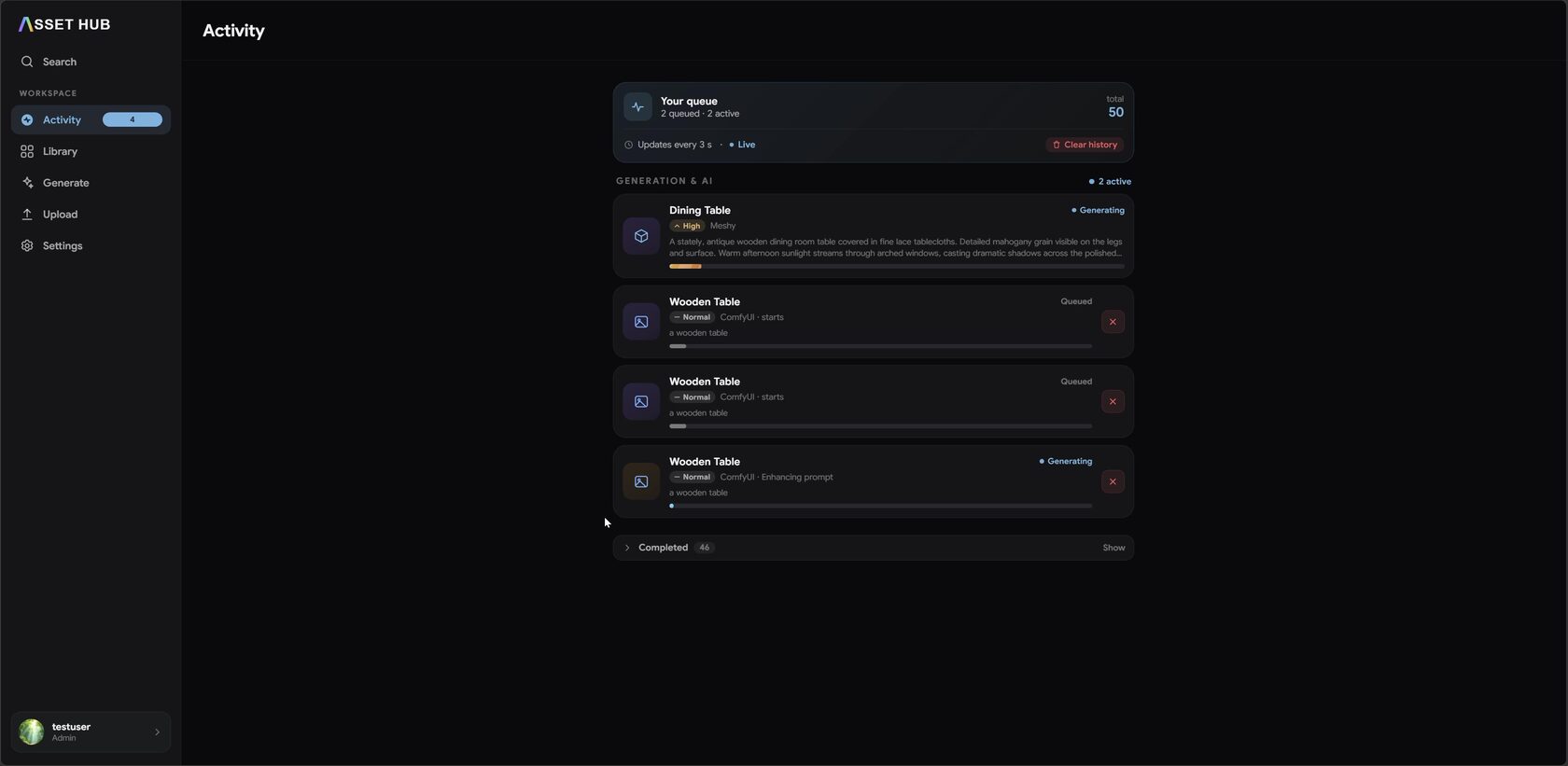
04Activity≈ 5s
Keep an overview of what's happening
Every job in one place — queued, generating and completed — so you always know what your pipeline is doing at a glance.
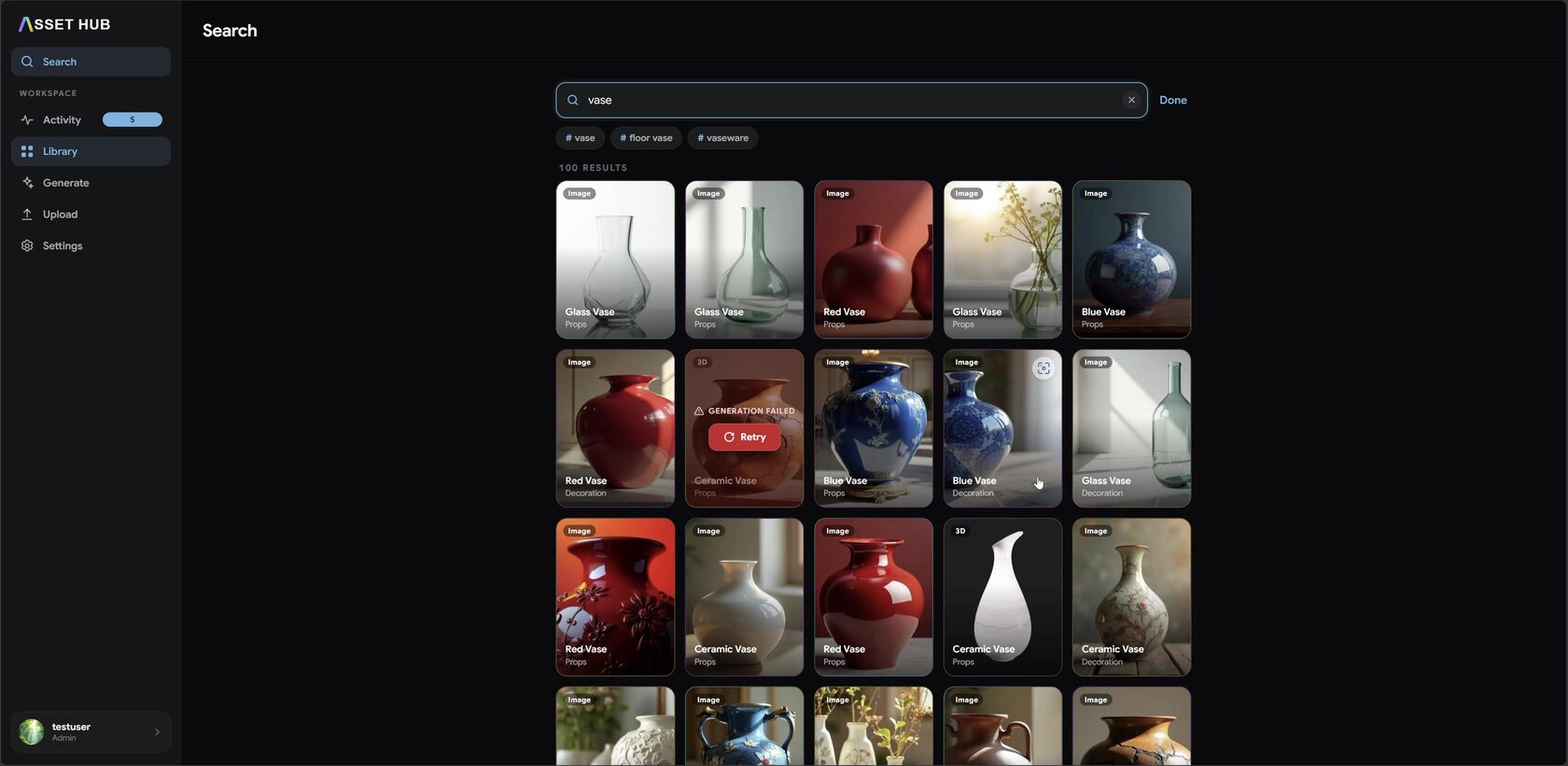
05Search≈ 5s
Find anything, semantically
Type what you mean, not the exact filename — matching tags and results surface instantly across the library.
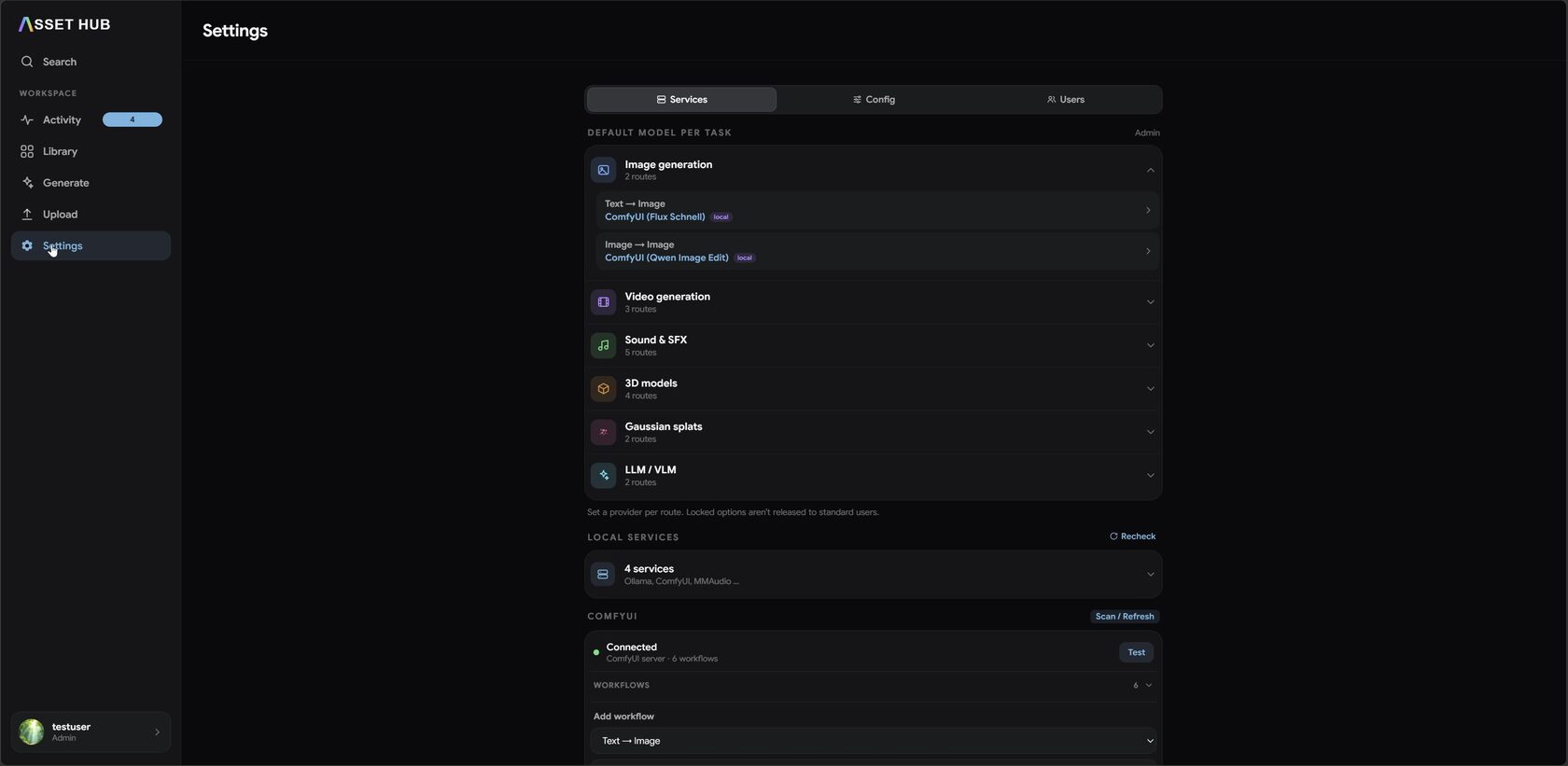
06Settings≈ 5s
Route each task to the model you want
Pick the provider per task — local ComfyUI, Ollama or cloud — and manage workflows, config and users.